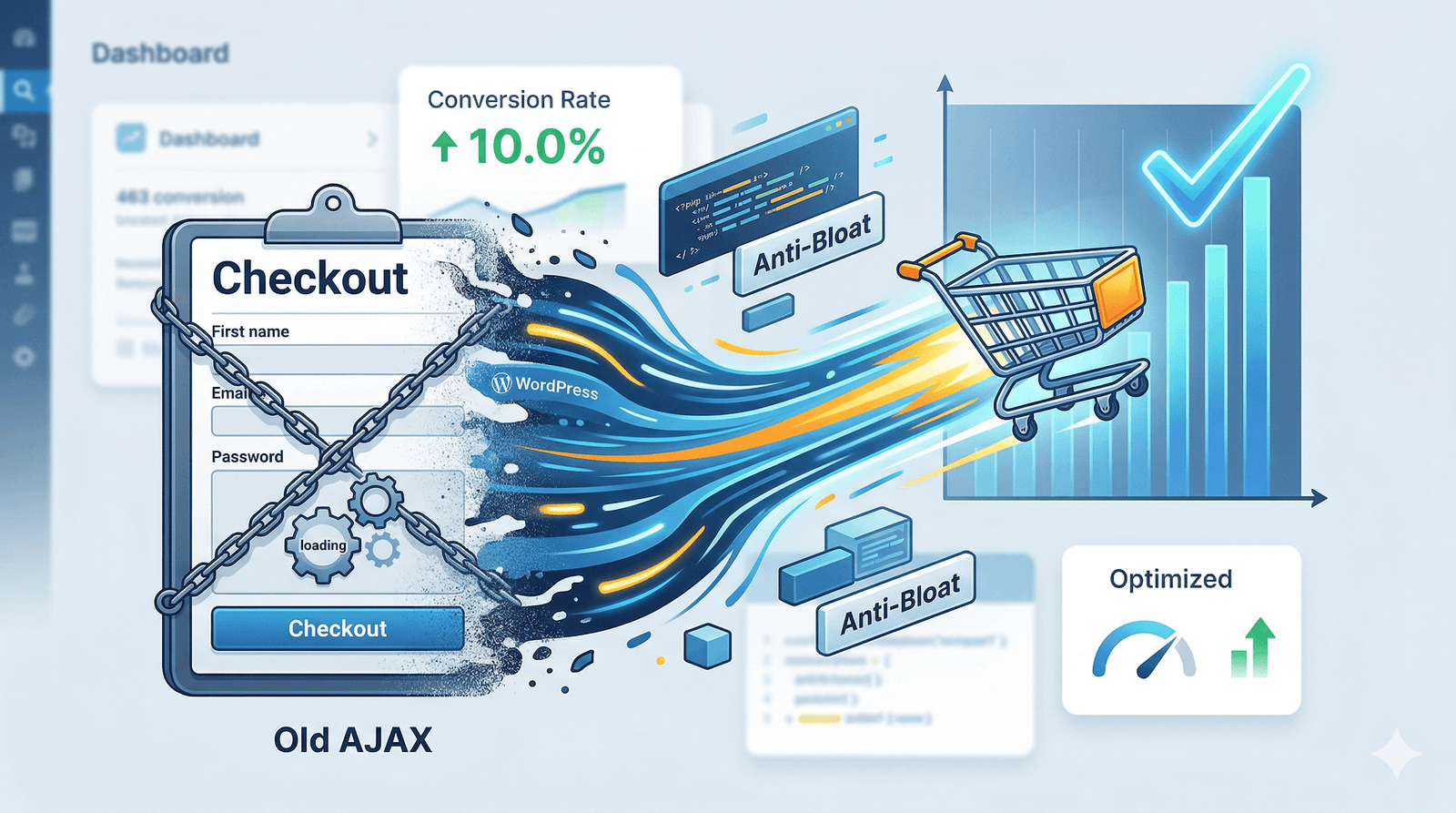
The WordPress Interactivity API WooCommerce integration is the “holy grail” of the 2026 Anti-Bloat movement. For years, store owners have struggled with the dreaded “spinning wheel” of AJAX checkouts. Today, we are moving beyond legacy code into a world where your store responds instantly, like a native mobile app.
In This Deep-Dive:
Why Legacy AJAX is Killing Your Conversions
In 2026, the performance gap between a standard store and an “Anti-Bloat” store is massive. Most WooCommerce sites still rely on admin-ajax.php. Every time a customer interacts with your checkout—adding a coupon, changing a quantity, or selecting shipping—the browser sends a heavy request that forces the server to boot the entire WordPress core.
This creates a latency period of 500ms to 2.5 seconds. According to latest official WordPress performance data, every 100ms of delay reduces conversions by 7%. This is why the WordPress Interactivity API WooCommerce standard was developed—to eliminate that wait time entirely.
The Logic Behind the Interactivity API
The WordPress Interactivity API WooCommerce framework allows developers to create “interactive” areas of a page that update without a full reload. Think of it like a “mini-React” built directly into the WordPress core.
Instead of the server doing all the heavy lifting, the Interactivity API uses a declarative state-management system. When a user clicks “Add to Cart,” the UI updates immediately on the frontend, while the server syncs in the background. This is what we call “Optimistic UI Updates.”
Step-by-Step: Implementing the 2026 Standard
Step 1: Audit Your Plugin Stack
Before you can leverage the WordPress Interactivity API WooCommerce features, you must remove “bloat-ware.” Check your internal Plugins Page and deactivate any legacy “Live Cart” or “Quick View” plugins that haven’t been updated for WordPress 7.0.
Step 2: Transition to Block-Based Checkouts
The Interactivity API is designed to work with Blocks. If you are still using the @wordpress/interactivity runtime, which handles field validation and shipping updates asynchronously.
// Example: Binding a custom button to the IAPI
import { store } from '@wordpress/interactivity';

store( 'my-woo-store', {
    state: { isProcessing: false },
    actions: {
        updateCart: () => {
            const state = store( 'my-woo-store' );
            state.isProcessing = true;
            // Your logic here...
        },
    },
});Speed Metrics: IAPI vs. Traditional AJAX
To understand why this is the future, look at the technical overhead comparison below. The WordPress Interactivity API WooCommerce approach wins in every category.
| Metric | Legacy (AJAX) | Modern (IAPI) |
|---|---|---|
| Payload Size | High (Full HTML Bloat) | Low (JSON Data Only) |
| JS Execution | Blocking (jQuery) | Non-blocking (Vanilla JS) |
| User Perception | “Waiting…” | “Instant” |
Advanced Optimization Resources
If you want to go deeper into the WordPress Interactivity API WooCommerce architecture, check out these essential resources:
Explore More WooCommerce Guides:
Frequently Asked Questions
Stop Losing Sales to Slow Tech
Ready to upgrade your store to the 2026 WordPress Interactivity API WooCommerce standard? We offer custom “Anti-Bloat” audits to make your site fly.