
Description
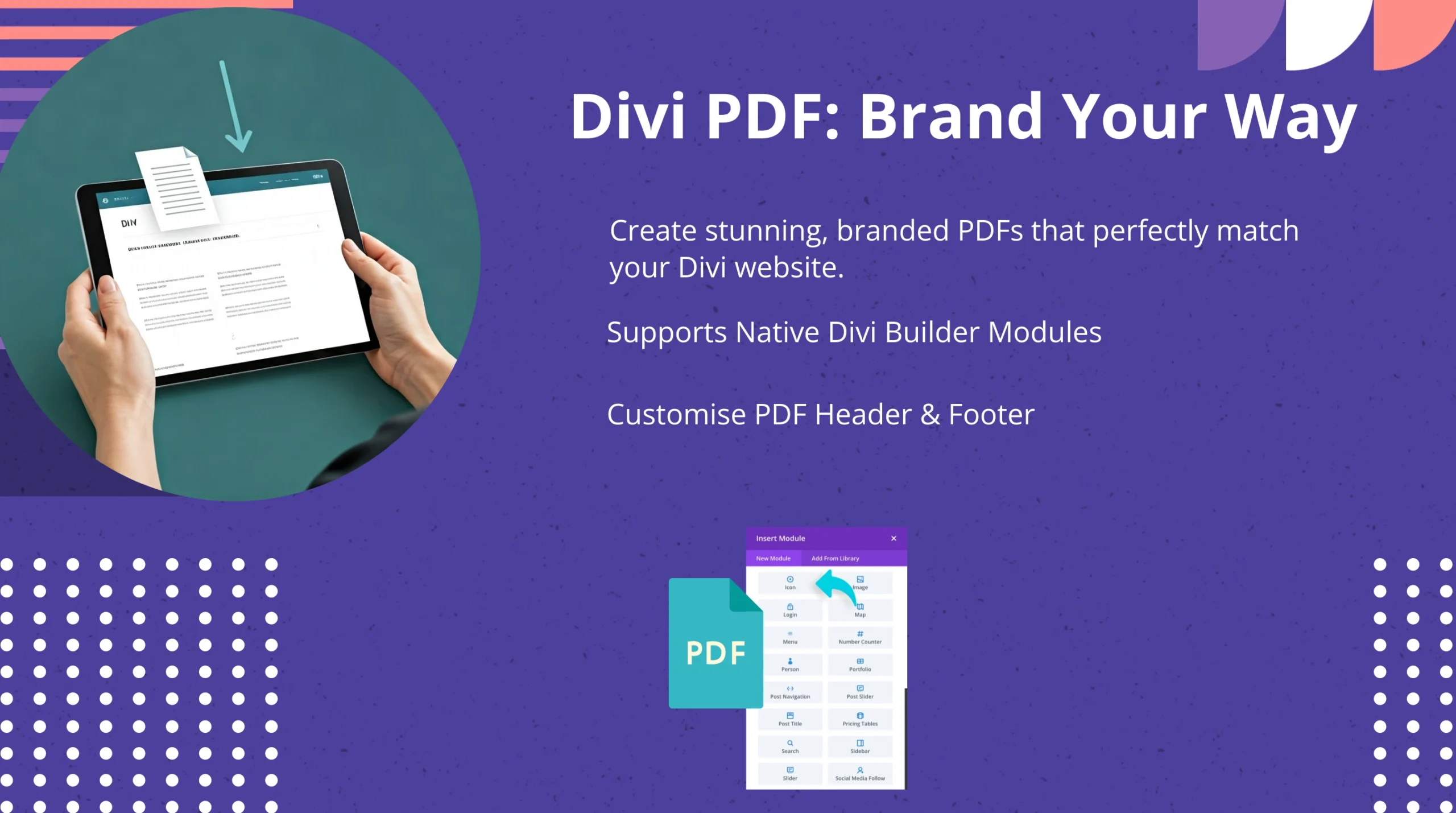
The WordPress PDF Generator for Divi Builder is the most powerful and complete solution to convert any Divi page, post, layout, or form submission into a professionally formatted PDF in one click. Designed exclusively for Divi users, this plugin preserves design integrity, formatting, fonts, images, styling, and responsive layouts to ensure your generated PDFs look exactly how you want — online and offline.
Whether you’re running a business website, membership portal, e-learning platform, blog, corporate site, or eCommerce store, PDFs give your audience the ability to download, print, share, and archive content instantly. With this plugin, visitors can download content as branded, offline-ready documents, while you enjoy higher engagement, customer satisfaction, and conversions.
What makes this plugin different?
Unlike generic PDF plugins, WordPress PDF Generator for Divi was engineered specifically for Divi Builder modules — ensuring pixel-perfect PDF output from even the most complex layouts (Blogs, Galleries, Portfolios, Pricing Tables, Contact Forms, Testimonials, CTAs, and more).
Fully customizable & business-ready
Tailor your PDFs to match your branding perfectly:
-
Upload custom fonts (OTF, TTF, WOFF)
-
Add dynamic headers and footers using the WP Editor
-
Insert business logo, contact details, page numbers, page URLs
-
Apply text/image watermarks for document security
-
Enable password-protected PDFs
-
Choose from 266 PDF page sizes, landscape/portrait, margins & CSS rules
PDFs can include featured images, metadata, post dates, tags, categories, product pricing and more — making this plugin the go-to system for content creators, eCommerce stores, educators, corporate teams, agencies, and SaaS businesses.
Real-world use cases
| Sector | Use Case |
|---|---|
| eCommerce | Downloadable product catalogs, product invoices, size guides |
| Membership / LMS | Resource guides, learning worksheets, offline course content |
| Corporate | Business proposals, manuals, reports, compliance documents |
| Bloggers | Monetize articles as downloadable PDFs |
| Service Providers | Quotes, case studies, brochure PDFs |
| Developers | Client documentation export, project reporting |
Your Divi website deserves the flexibility to extend its content beyond the browser — and this plugin delivers exactly that.
If you want a reliable, high-performance PDF solution for Divi, this is the only plugin you’ll ever need.
🎯 WordPress PDF Generator – Features
-
Full compatibility with all Divi Builder modules
-
One-click PDF download for pages, posts, and custom layouts
-
Add custom fonts, branding, logo, headers & footers
-
Supports 266 page sizes & portrait/landscape orientation
-
Password-protected PDFs for secure document sharing
-
Text/image watermark support
-
RTL & multilingual PDF support
-
Include metadata: featured image, date, tags, categories
-
Adjust margins, CSS, background colors & images
-
Works with WP Editor & Divi Theme Builder
💎 Divi PDF Generator – Benefits
-
Increase engagement with downloadable offline content
-
Boost conversions with printable brochures, catalogs & PDFs
-
Strengthen brand identity with fully custom-styled documents
-
Improve user experience for mobile and low-network users
-
Generate new monetization opportunities (PDF resources, guides)
-
Reduce support time by providing downloadable documentation
-
Share content securely without layout distortion
-
Create compliance-ready PDF copies of legal pages (T&C, privacy etc.)
⚔️ Comparison Table
| Feature | Our Plugin | Other PDF Plugins |
|---|---|---|
| Designed for Divi | ✔ | ❌ |
| Pixel-perfect module rendering | ✔ | ❌ |
| Custom fonts upload | ✔ | ✔ |
| Watermark support | ✔ | ❌ |
| Password protection | ✔ | ❌ |
| 266 PDF page sizes | ✔ | ❌ |
| RTL & multilingual support | ✔ | ❌ |
| Full header & footer editor | ✔ | ❌ |
| Works with dynamic content | ✔ | ❌ |
| Optimized for speed | ✔ | ❌ |
❓ Frequently Asked Questions
Q1: Does this plugin support all Divi Builder modules?
Yes — it supports all Divi sections, rows, columns, and modules including Galleries, Portfolios, Pricing Tables, Sliders, Testimonials & more.
Q2: Will the PDF look exactly like my Divi page?
Absolutely. Formatting, spacing, fonts, colors, images & responsive layouts are preserved accurately.
Q3: Can I add custom branding to the PDFs?
Yes. You can upload fonts, logos, add watermarks, and apply custom header & footer designs.
Q4: Does it support multilingual and RTL languages?
Yes — the plugin fully supports RTL languages such as Arabic and Hebrew, plus multi-language content.
Q5: Can I protect PDFs with passwords?
Yes — the plugin includes advanced document security and password protection.
Q6: Will this plugin slow down my website?
No — the generation process is optimized for performance and runs only when PDFs are requested.


Reviews
There are no reviews yet.